Content Types
Each advertisement in CS Play contains one creative — the actual content displayed on screens. The platform supports several content types to cover all DOOH advertising scenarios.
Supported Content Types
| Type | Description | Duration |
|---|---|---|
Image |
Static graphic displayed for a fixed duration |
User-defined |
Video |
Video file played back on screen |
Automatic (from file) |
Interactive (HTML5) |
Custom HTML5 creative with animations or interactivity |
User-defined |
Web Page |
Live web page rendered on screen |
User-defined |
Image
Static images are the simplest ad format. An image is displayed on screen for a configured duration.
Supported formats: JPEG (RGB color model), PNG
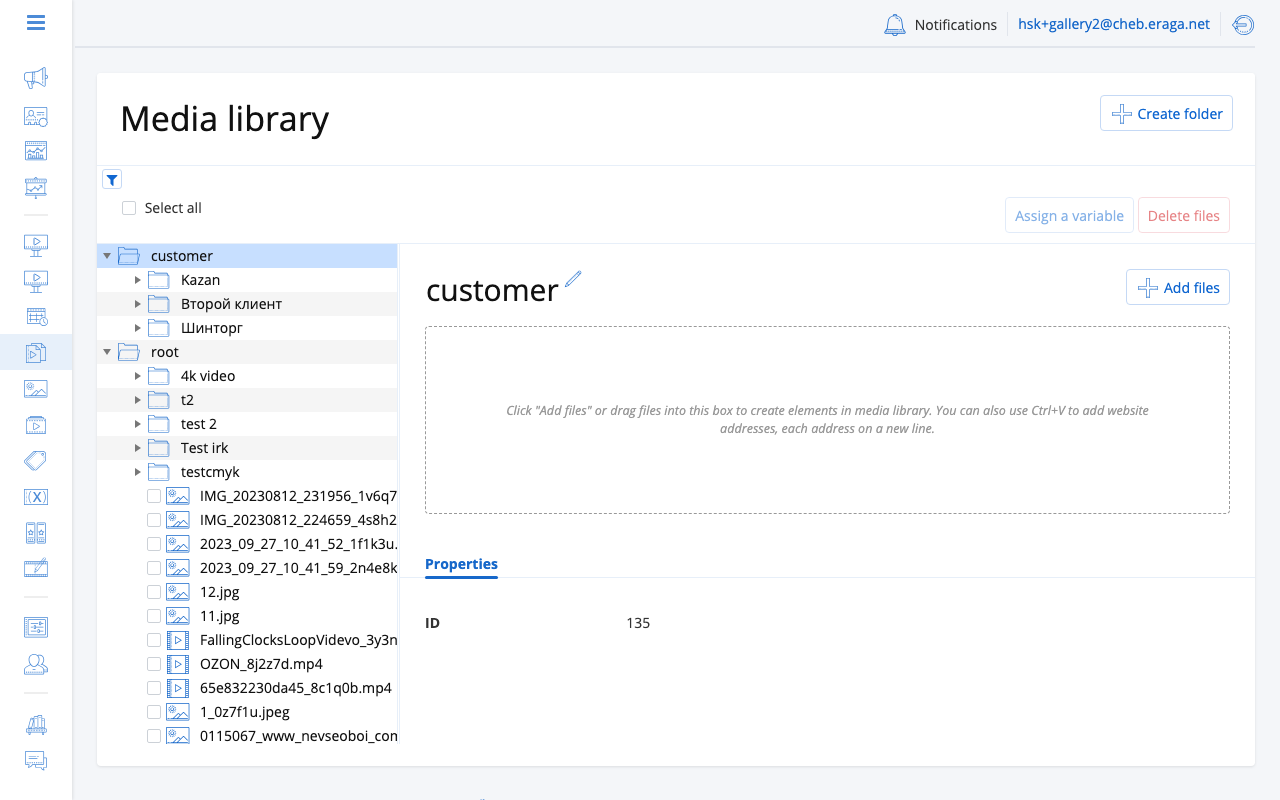
How to upload: Create a new ad, select Image, drag and drop your file (or pick from Media Library), then set the display duration in seconds.
Duration: Set manually (e.g., 10 seconds). The image displays for exactly this time during each ad play. Match your image resolution to the screen resolution for best quality.
Video
Video ads play a video file on screen. The platform automatically detects duration from the file.
Supported formats: MP4 (H.264 — recommended), MOV, AVI, WebM
How to upload: Create a new ad, select Video, upload your file or pick from Media Library. Duration is detected automatically.
Encoding: After upload, the platform encodes your video to match the target screen resolution. The process runs in the background — activate the campaign once encoding completes. See Video Encoding for recommended presets.
Duration: Determined automatically from the video file length. Cannot be overridden manually.
Interactive (HTML5)
HTML5 creatives allow rich animations, interactivity, and dynamic content rendered directly on the screen player.
Supported format
-
ZIP archive containing an
index.htmlfile and all required assets (CSS, JS, images, fonts)
How to upload
-
Create a new ad and select Interactive as the content type.
-
Upload a ZIP archive containing your HTML5 creative.
-
Set the display duration in seconds.
Duration
You set the duration manually. When the time expires, the player moves to the next ad in the loop regardless of the creative’s internal state.
Requirements
The ZIP must contain an index.html at the root level with all assets bundled (no external network requests). For detailed guidelines, see Interactive & HTML5 Ads.
Web Page
Displays a live web page on screen by rendering a given URL.
How to configure
-
Create a new ad and select Web Page as the content type.
-
Enter the full URL of the page to display.
-
Set the display duration in seconds.
Duration
You set the duration manually. The page is rendered for the specified time before the player moves to the next ad.
|
The screen player must have network access to load the web page. If the page is unreachable, the player skips to the next ad. |
Typical use cases: live dashboards, dynamic price boards, news tickers, social media feeds, RTSP/HLS video streams.
| To display a live video stream (RTSP, HLS), create a Web Page ad and enter the stream URL. The player renders the stream like any other web resource. |
Multiple Resolutions
A single ad can hold multiple media files for different screen resolutions. The platform groups target screens by aspect ratio and delivers the matching file to each screen automatically.
|
Provide content for each aspect ratio in your campaign’s target screens. The platform scales within the same aspect ratio, but different ratios require separate files to avoid distortion. |
Content Guidelines
-
File size — Keep files reasonable for network transfer. Compress images; use efficient video codecs.
-
Resolution — Match target screen resolution. Common DOOH resolutions: 1920x1080, 3840x2160, 1080x1920 (portrait).
-
Duration — Typical DOOH ad plays last 8-15 seconds. Longer durations reduce the number of ads per loop.
-
Safe area — Avoid placing critical text or logos at the very edges of the frame.